The Math League online preliminary round for China-region students tests mathematics under strict interface discipline. A student who understands every problem can still lose points—or have a result questioned—if answers are entered incorrectly or the submission protocol is mishandled. This article provides a concrete Math League Online Practice rehearsal: a five-question dummy run that trains answer-entry habits, catches common formatting errors, and embeds the final submission check as muscle memory. The procedural details below are drawn from the China-region 2026–2027 preliminary student manual; if you are testing under a different regional system, inspect your actual instructions before relying on these steps.
What the China Online Preliminary Actually Requires
According to the China-region 2026–2027 preliminary student manual, students answer through a computer browser in full-screen mode. Copying and pasting are disabled. Students may use only clean scratch paper for calculations. No calculators, books, phones, or wearable devices are permitted. The test duration is 75 minutes for most grades, 45 minutes for Grades 1–2.
Before the exam, students complete an equipment check: upload a student ID, verify the laptop or tablet camera (first camera), and verify the smartphone camera (second camera). On exam day, both cameras remain active. The first shows the student’s face and head; the second shows the screen, desk, upper body, and hands. The smartphone is placed behind the student’s left side (or right for left-handed students).
- Contest registration
- Free past papers
- 1-on-1 trial lesson

Two rules are critical for this rehearsal. First, once the exam begins, no other person may appear in either camera; doing so risks invalidation. Second, before submitting, the student must photograph the on-screen answer list, which must include the system-provided name and test number. Parents may assist with this specific photo, and they may appear in the camera at that time. These two rules frame the rehearsal below.
Teaching Illustration: The Five-Question Dummy Run
The following is a self-contained teaching illustration, not an official contest problem. Its purpose is to rehearse the physical and digital mechanics of answer entry on any platform.
Dummy Question Set (Grades 4–6 level)
Q1. Compute 17 + 28.
Q2. A rectangle has length 8 cm and width 5 cm. Find its area in square centimetres.
Q3. What is the remainder when 47 is divided by 6?
Q4. Express 3/4 as a decimal.
Q5. If a train travels 120 km in 2 hours, what is its average speed in km per hour?
Correct answers: Q1 = 45; Q2 = 40; Q3 = 5; Q4 = 0.75; Q5 = 60.
Step-by-step rehearsal protocol
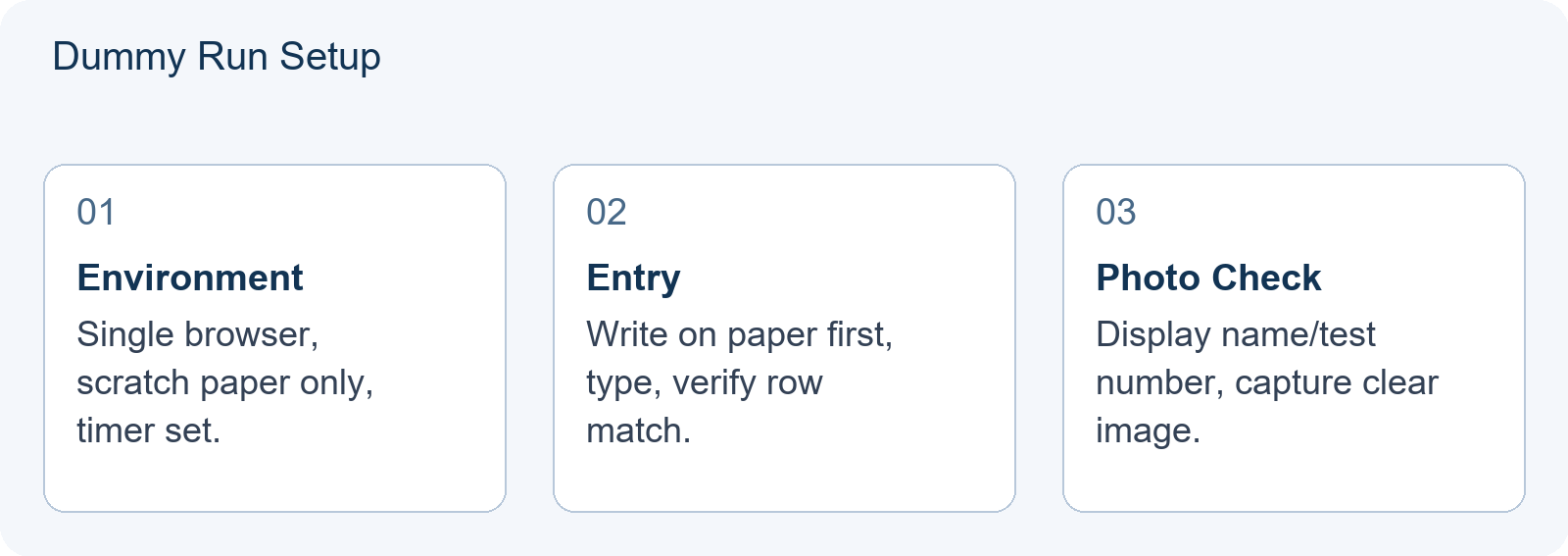
Step 1 — Set up the mock environment. Open a plain text editor or a single browser window. Disable copy-paste if possible, or discipline yourself not to use it. Place scratch paper and pencil only on the desk. Position a smartphone to simulate the second camera, ensuring it captures your hands, the paper, and the screen. Set a timer for 10 minutes (deliberately short to create time pressure).
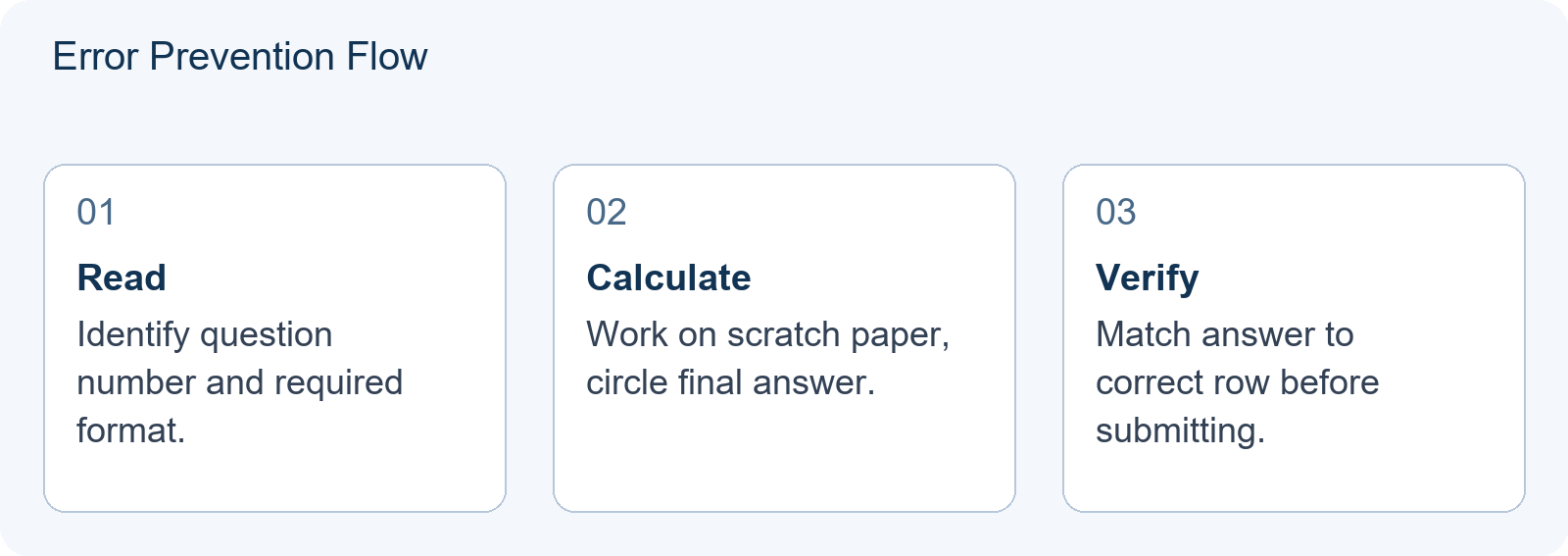
Step 2 — Enter answers with deliberate formatting checks. For each question, write the answer on scratch paper first, then type it into the interface. After each entry, pause and verify:
- Did you enter the answer in the correct row? (Row offset is a common error: typing Q2’s answer in Q3’s box.)
- Did you include units if required? The source manual does not specify whether the system strips spaces or rejects “40 cm” versus “40”, so the safe rehearsal habit is to enter numerical answers exactly as specified in the problem statement.
- Did you accidentally add spaces or punctuation that might parse differently?
Step 3 — Simulate the final submission check. When all five answers are entered, display your mock answer list on screen. Write your name and a mock test number (e.g., “Test #ML2026-001”) at the top of a sheet of paper, then position that paper so it appears in the same frame as the screen. Practice taking a clear photo with the smartphone. Check that both the name/test number and all five answers are legible. This mirrors the required pre-submission photo in the China manual.
Worked Case: Correct Execution
Student Chen runs the dummy run. She enters: Q1 = 45; Q2 = 40; Q3 = 5; Q4 = 0.75; Q5 = 60. Before submitting, she displays the answer list, places her name and mock test number on paper beside the screen, and captures the photo. The image shows: name “Chen Wei”, test number “ML2026-001”, and answers 45, 40, 5, 0.75, 60. She submits. This is the target state: every answer verified, photo complete, no ambiguity.
Contrasting Case: Where Superficial Rehearsal Fails
Student Li also knows the mathematics. However, during practice he rushes: he enters Q2 = 40 in the Q3 box (row offset by one), does not verify, and never rehearses the photo step. On exam day, he notices the error only during the final answer-list review but panics because he has not practiced how to correct an entry under time pressure. Worse, he spends 90 seconds fumbling with the smartphone angle for the required photo because he never simulated this step. The result: a correct answer in the wrong row, and avoidable stress that degrades performance on remaining problems.
The arithmetic of Li’s error is simple but costly. With 35 questions on a typical paper, a single row offset invalidates one answer and potentially causes a cascade if he attempts to “fix” by shifting entries, risking further misalignment. The rehearsal value is not in the difficulty of the math but in embedding the verification habit.
Diagnostic Application: Self-Check After Rehearsal
After completing the dummy run, score yourself on process, not just answers:
- Time check: Did you finish entry and photo within the 10-minute window? If not, where did friction occur?
- Accuracy check: Did any answer contain a typo (e.g., “0.57” instead of “0.75”) that you caught only on review?
- Photo check: Is the mock test number legible? Is any answer obscured by glare or angle?
If you failed the time check, practice the photo step separately until it takes under 15 seconds. If you found typos, slow your entry pace and verbalize each digit before pressing enter. If the photo was unclear, adjust lighting or phone position and retry.
What the Diagnostic Result Means for Next Steps
A clean dummy run with no process errors indicates readiness for a full-length timed practice under closer-to-exam conditions. Persistent row-offset errors suggest adding a physical verification gesture: point to the question number on screen, point to the answer box, then enter. Photo difficulties indicate the need to rehearse with the actual devices and lighting of exam day, not a substitute setup.
The feedback that matters here is self-generated: the rehearsal surfaces your specific failure mode before it costs points. No external report replaces this self-knowledge.
Connecting to Broader Preparation
This rehearsal addresses the mechanics of answer entry and submission. For the broader context of how the online preliminary round functions in China, including the two-camera setup and what voids a result, see Math League Online Preliminary Round (12 December 2026): The Two-Camera Setup, What Voids a Result, and a Home Rehearsal Plan for China Families. For selecting practice material matched to your grade’s problem style, see Math League Past Papers: How to Choose Practice Material That Matches Your Grade’s Problem Style (2026-27). For integrating contest preparation with school curricula, see Fitting Math League Around IB, AP and A-Level: Where the Six Fixed 2026-27 Contest Dates Land in Your School Year.
Interpreting the Diagnostic: From Process Errors to Targeted Drills
The value of the five-question dummy run lies not in the arithmetic, but in the specific nature of any process failure. A student who finishes early but with errors has a different problem than one who runs out of time. Interpreting these outcomes requires distinguishing between cognitive load and mechanical friction.
Scenario A: The Row-Offset Trap
If Student Li’s error (entering Q2’s answer into Q3’s box) occurs during practice, it indicates a lack of visual anchoring. This is a mechanical habit issue, not a math deficit. The diagnostic question is: Did you look at the question number on the screen before typing? If no, the next practice task is the “Point-and-Type” drill. In a mock environment, physically point to the question number on the screen, then point to the input box, then type. Repeat this for all five questions. Do not skip the pointing gesture. This forces the brain to register the spatial relationship between the prompt and the field, reducing automaticity errors under pressure.
Scenario B: The Photo Friction
If the final submission photo takes longer than 15 seconds or results in glare/obscured text, the issue is environmental setup, not exam knowledge. The diagnostic question is: Was the smartphone positioned to capture both the screen and the name/test number sheet without moving the laptop? If no, the next practice task is the “Static Frame” drill. Set up the devices exactly as they will be on exam day. Place the name/test number paper on the desk. Take the photo without adjusting the phone or laptop. If the image is unclear, adjust the lighting or angle before starting the timer, not during the rehearsal. The goal is to make the photo step a single, fluid motion that does not require repositioning equipment mid-task.
Scenario C: Time Pressure vs. Accuracy
If the student fails to complete the entry and photo within the 10-minute window, analyze where the time was lost. Was it calculation time or entry verification time? For a dummy set of simple arithmetic, calculation should take less than 60 seconds total. If more time was spent, the student may be over-verifying calculations rather than verifying entries. The next practice task is to separate the phases. Spend 2 minutes solving all five problems on scratch paper. Then spend 8 minutes entering answers and taking the photo. This trains the brain to switch modes from “solver” to “clerk,” preventing the common mistake of double-checking math while neglecting formatting.
Concrete Next Practice Task
Run the dummy set again, but introduce a “distraction variable.” Have a parent or sibling walk past the camera view (without interacting) or create a minor noise. Observe if your focus breaks. If you lose track of which row you are in, repeat the Point-and-Type drill until muscle memory overrides external distractions. This builds resilience against the inevitable interruptions of a home testing environment, ensuring that the final submission check remains robust even when conditions are imperfect.
Frequently Asked Questions
Can parents help with the final submission photo?
Yes, the China-region 2026–2027 preliminary student manual explicitly states that parents may assist students in taking the photo of the answer list before submission, and they may appear in the camera at that specific moment. This is the only point during the exam when another person may appear.
What if I make an error while entering answers?
The rehearsal above trains you to verify each entry immediately. If you notice an error during the final answer-list review, correct it before photographing. The key is having practiced the correction under time pressure so it does not induce panic.
Are calculators permitted in the 2026–27 season?
No for the China-region online preliminary: the 2026–2027 participant manual prohibits calculators and other auxiliary tools, so calculations must be done manually or mentally. For US/Canada school contests, the official Math League notice dated 4 July 2026 allows calculators without a QWERTY keyboard for the 2026-27 school year and says the no-calculator policy will apply the next school year.